 Framive
01 / STYLE EXPLORATION
Try a new outfit style
Only have a photo of yourself? Choose Modern Editorial, business chic, streetwear or evening elegant, then add an optional description to make it yours.
Your photo+Style choice→New look
AI FASHION, YOUR WAY
Explore a new look or try on clothes you love.
First image $1.00 · No subscription required
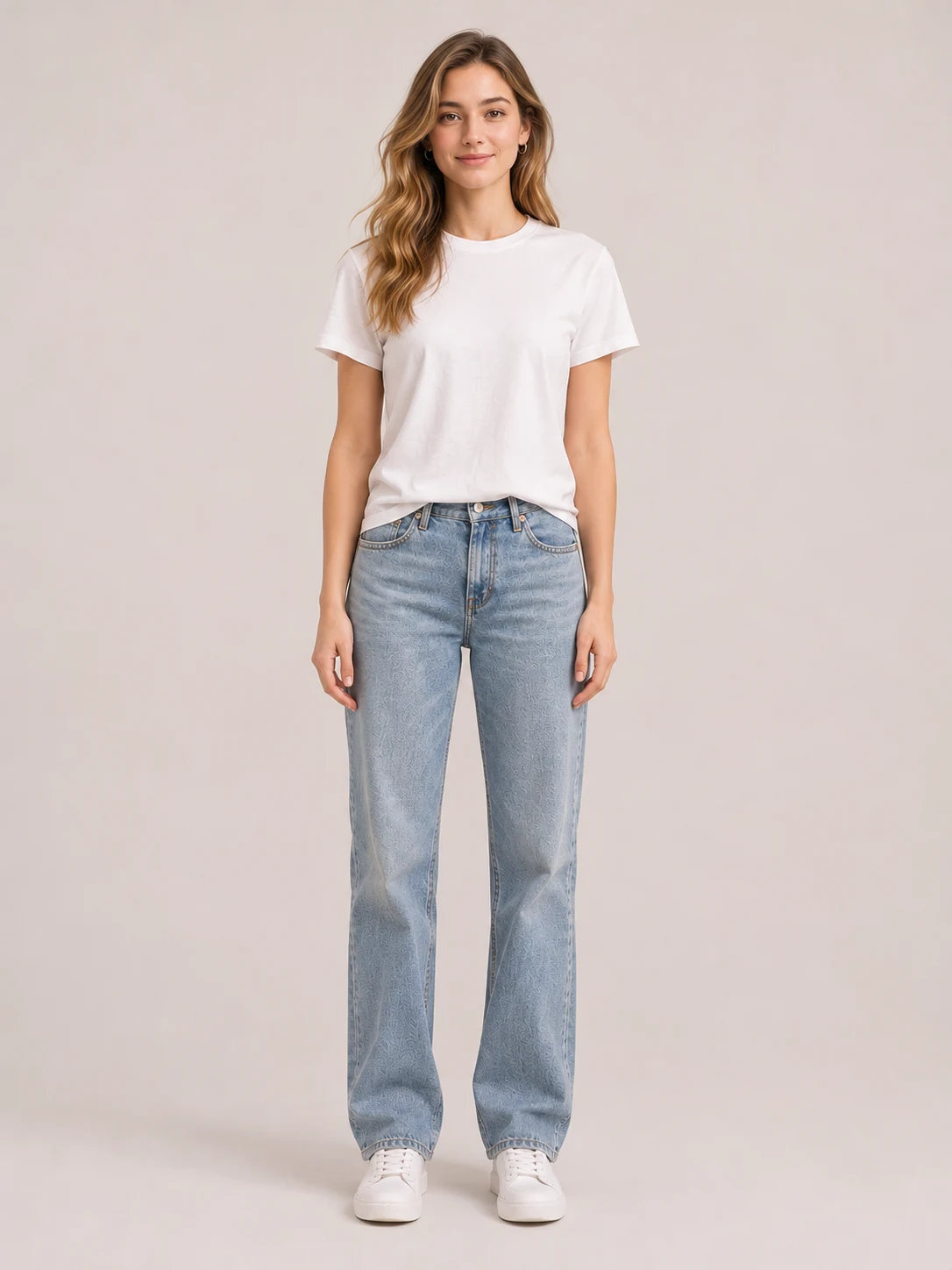
Loading comparison photos…
One photo. Two ways to make it yours.
THE IDEA
An AI outfit changer is a photo editing tool that lets you replace clothes in a picture using AI. Instead of taking a new photo, you can explore a different fashion style or preview a specific outfit on yourself.
Start with a clear picture of yourself and discover a different look.
Describe a style, or use a clothing image as your visual guide.
AI results are creative previews; fabric details and real-world fit can vary.
TWO WAYS TO CREATE
Choose the idea you have in mind. Both paths use your photo, but the inspiration comes from a different place.
01 / STYLE EXPLORATION
Only have a photo of yourself? Choose Modern Editorial, business chic, streetwear or evening elegant, then add an optional description to make it yours.
02 / VIRTUAL TRY-ON
Found a top, a pair of trousers or a dress you like? Use a clothing reference image to preview how it could look on your own photo.
SIMPLE FROM START TO FINISH
From your own photo to an AI-generated outfit preview in four straightforward steps.
Choose a clear portrait or full-body photo with visible clothing.
Pick a fashion style, or upload a photo of the clothes you want.
Sign in and review the required paid credits before generating.
Review the AI outfit alongside your original picture, then save it.
MADE FOR OUTFIT IDEAS
Everything is designed around one goal: making it easy to imagine a different outfit on your own photo.
Explore familiar looks without starting from a detailed prompt.
Use a garment image when you have a specific top, pair of bottoms or dress in mind.
In Try a Style, refine the colors, mood or styling with a short description.
See the original and the new look side by side to compare what changed.
OUTFIT INSPIRATION
From workwear to a night out, choose a direction for your next look.
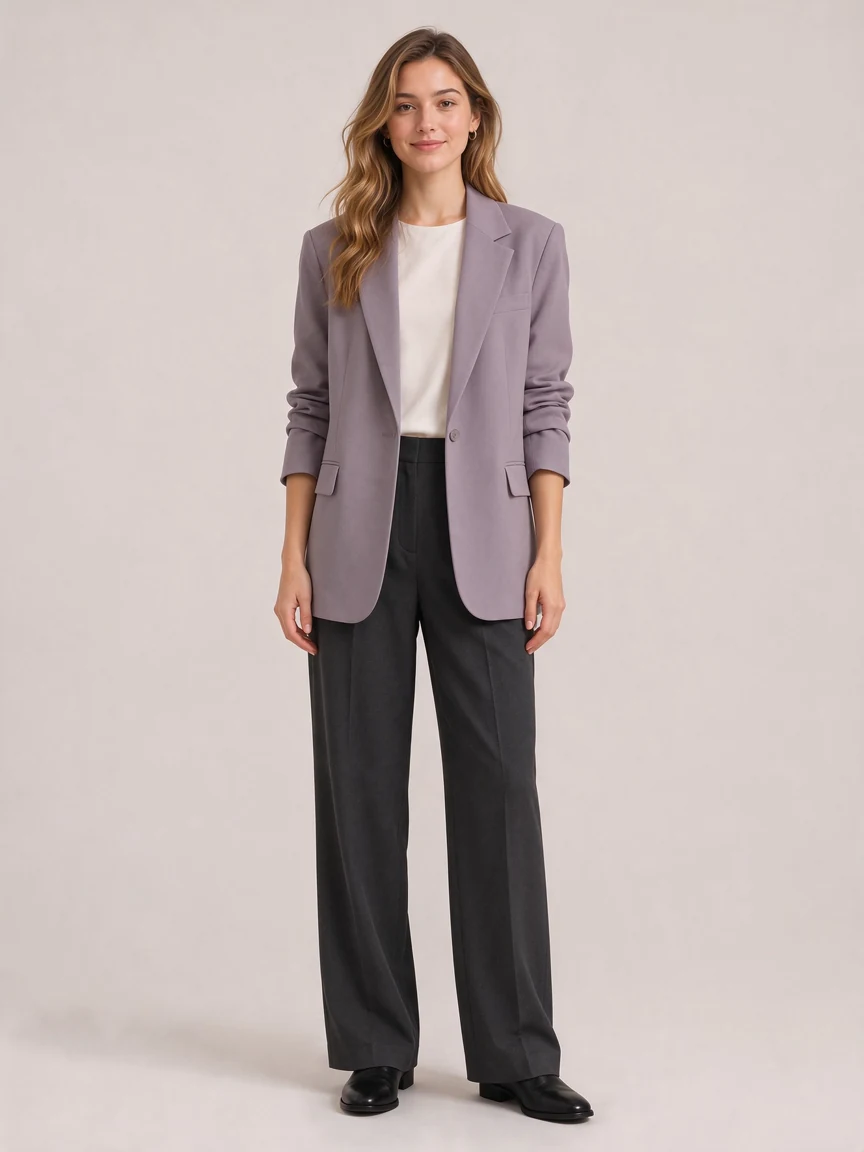
Modern tailoring, soft lavender-grey accents. Refined and wearable.
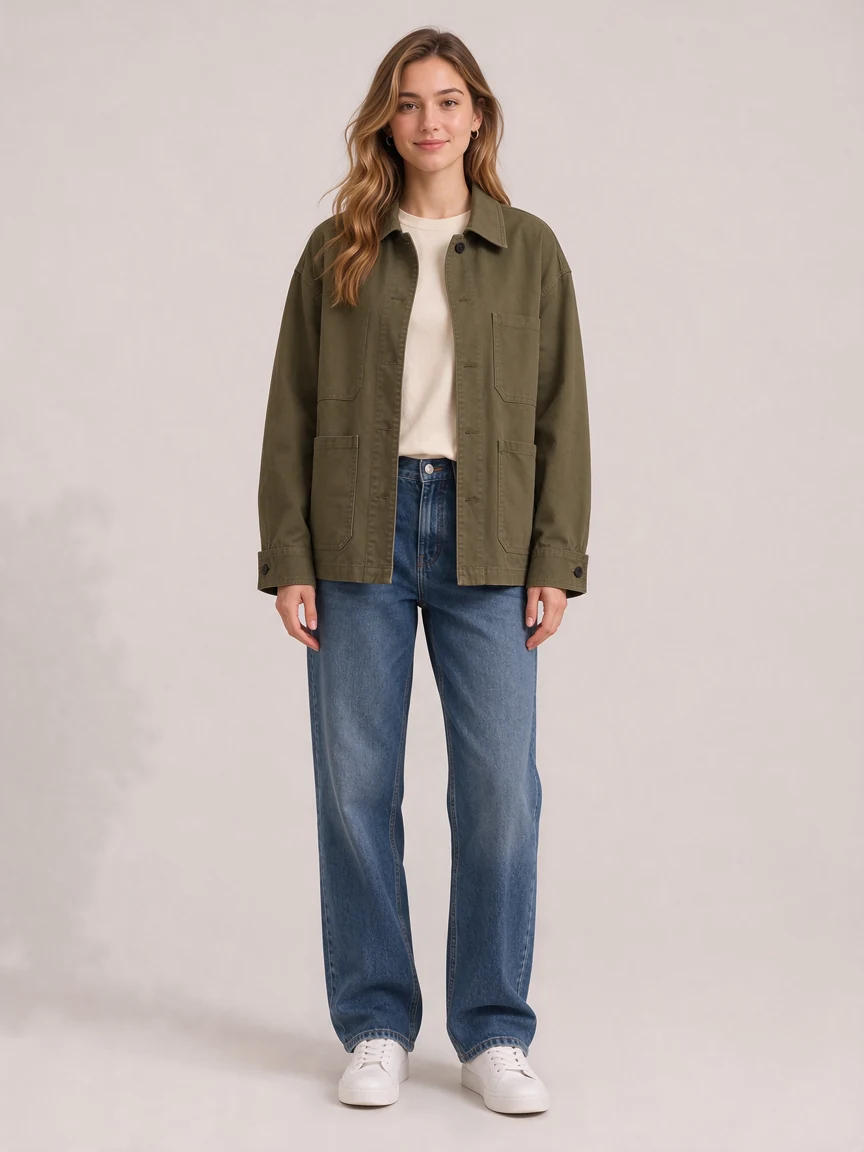
Relaxed shapes, everyday expression.
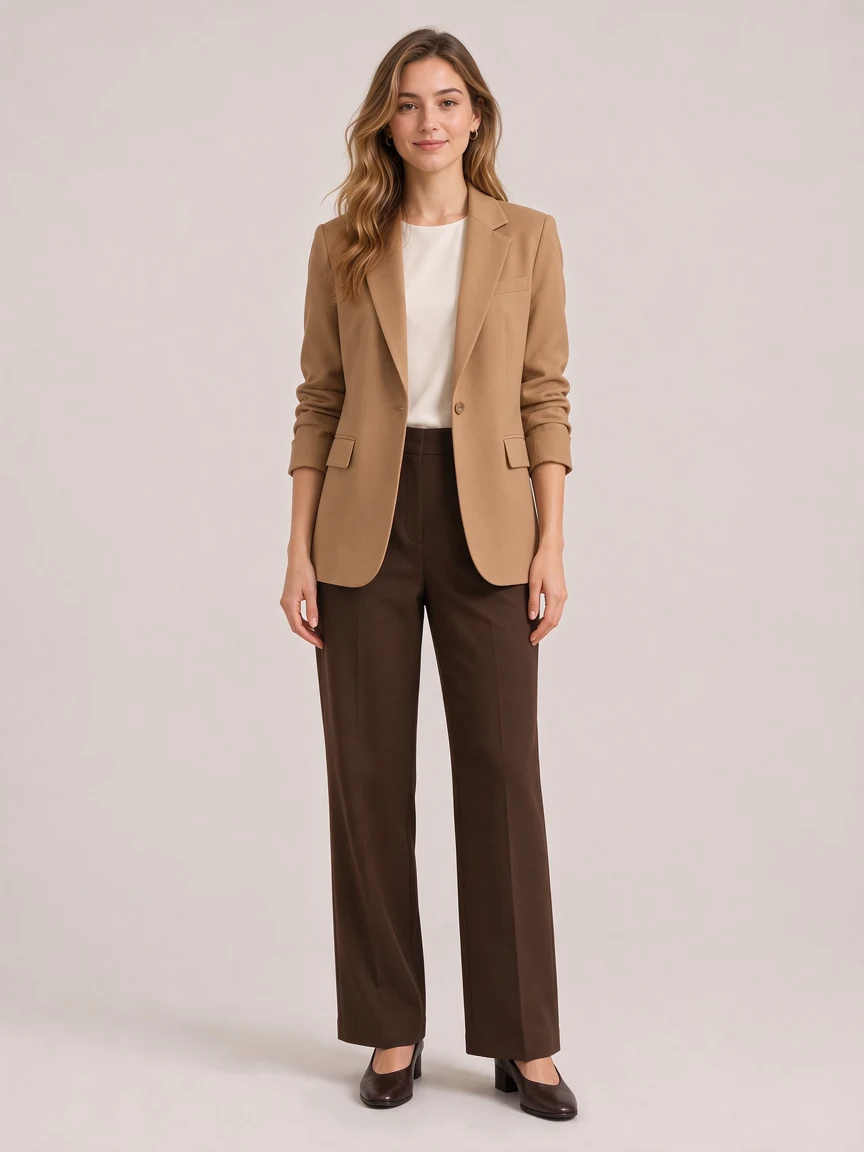
Tailored layers, a softer palette.
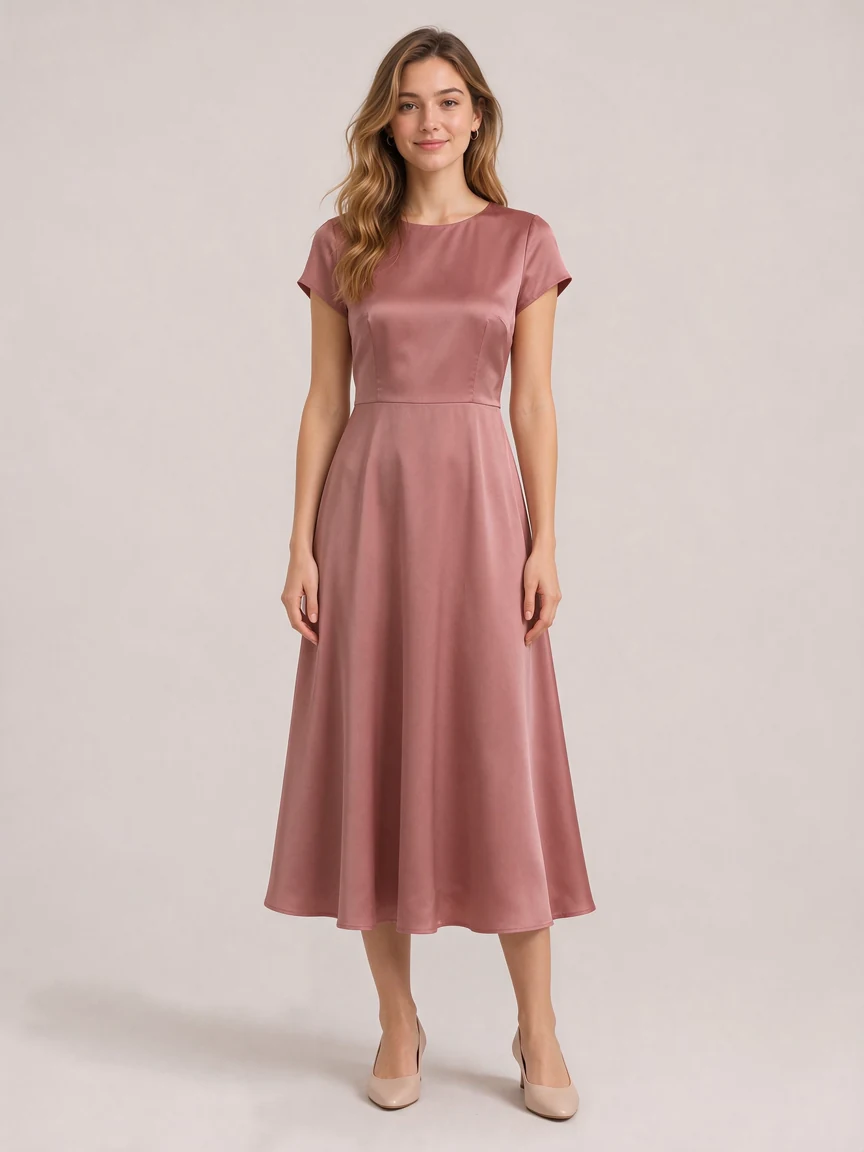
A dressed-up look for an occasion.
MORE THAN JUST A FILTER
Build inspiration for work, everyday style or a special occasion. Save an outfit from a store or use your own clothing photo as a reference.
A reference-image preview is not a guarantee of precise garment details, size or physical fit. Treat it as styling inspiration.
Workflow diagram · not a generated result
GET BETTER INPUTS
Good source photos help the model understand your pose and the clothes you want to change.
Choose an image where the person and clothing are easy to see, with minimal blur or obstruction.
For try-on, use a clear product image or a photo with the key garment visible.
In Try a Style, mention color, clothing type or the vibe you want. Specific outfit mode uses a reference, not a prompt.
AI may change small details, including faces, prints and proportions. Review the output carefully.
A LITTLE ROOM TO EXPERIMENT
Both modes use the same credits per image.
Try Once$1.001 image
Mini Pack$2.995 images
Popular Pack$4.9915 images
Pro Monthly$9.99 / month40 images
GOOD TO KNOW
Answers to common questions about changing clothes in a photo with AI.
An AI outfit changer creates an edited version of your photo with different clothing. Framive’s new workflow is being connected to the models; browsing and preparing a draft are available, while paid generation is not enabled yet.
Try a Specific Outfit is designed for your photo plus a clothing reference, using FASHN v1.6. Choose auto detection or a garment category. This mode does not support free-text instructions.
No. Try a Style uses your person photo, a style preset and an optional description, with Seedream 5.5. A clothing reference is required only for Try a Specific Outfit.
The models can use your photo as a visual reference, but identity, pose, background and garment details may vary. We do not guarantee an exact match. Review each result before using it.
There are no free AI generations or free AI previews. Browsing examples and preparing a draft do not generate an image. The new generation and purchase flow is still being integrated.
Try Once is a proposed one-time first purchase, with no subscription required. The proposed price and included credits are shown above. It is not available for checkout yet.
One-time purchased credits are planned to remain valid without scheduled expiry. Pro Monthly is planned to add credits after each successful payment, accumulated while the subscription remains valid. Canceling renewal keeps access until the paid period ends. These new offers are not enabled yet.
The planned policy freezes subscription credits while payment recovery is pending. Verified recovery unlocks the balance and grants that paid period once. Credits expire only after confirmed termination; delayed payment confirmation is investigated first. Permanent purchased credits remain usable.
No. Results are styling previews, not measurements or fitting advice. Fabric, logos, patterns and proportions may differ from the real garment. Check the seller’s sizing information separately.
Use a clear JPG, PNG or WebP with the person and clothing visible. Larger source photos are compressed in your browser before upload. Use only photos you own or have permission to edit.
READY TO CREATE YOUR LOOK?
Explore a style or try on clothes from a picture. Generation is paid, and you review the required credits before generating.
No free AI generations · Generation integration in progress